How to create a slip
A slip is a bet you place at a bookmaker. You can combine one or more matches in a single slip. SlipsIQ automatically calculates all possible payouts.
Step by step
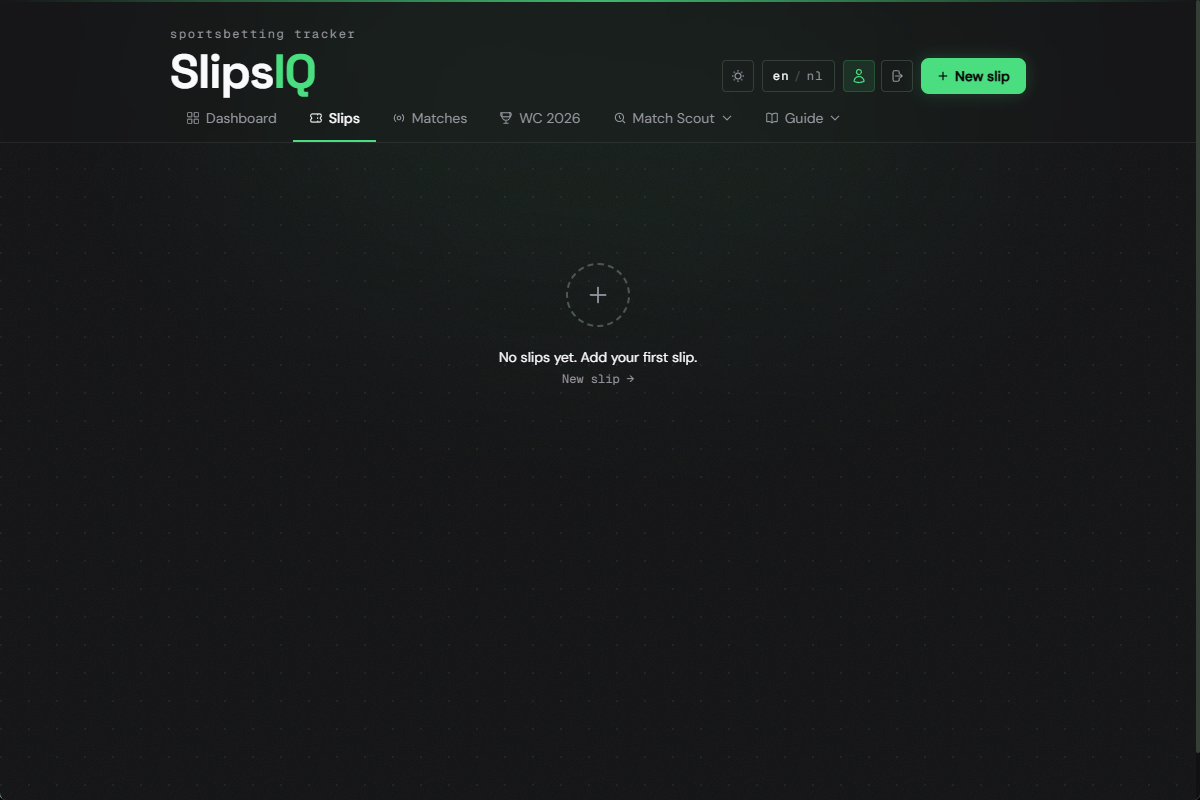
Press Add slip
Click the button in the top right. A form appears at the bottom of the page.
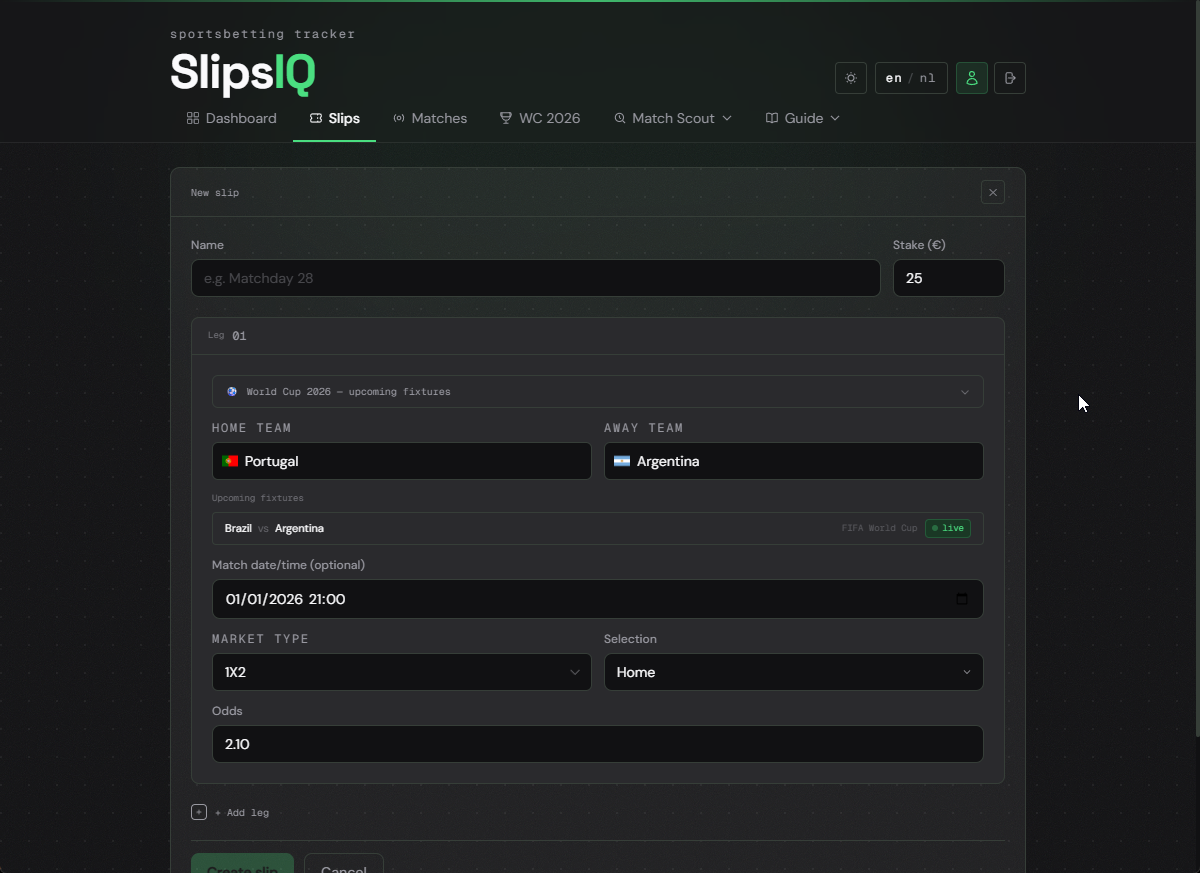
Add a match (leg)
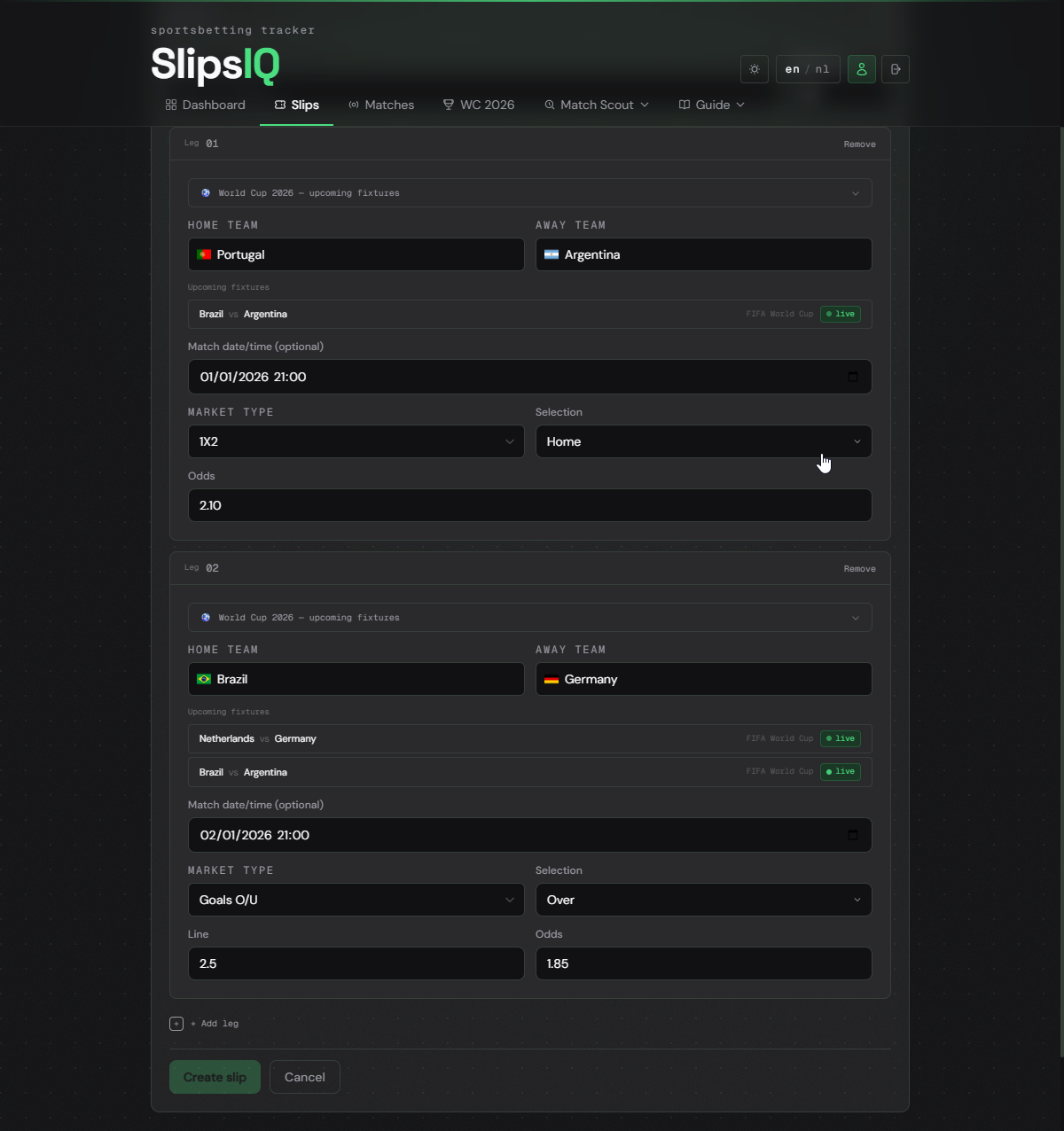
For each leg, fill in: home team, away team, match date, market type, selection, odds, and optionally your stake.
Choose the right market type
For an explanation of each market, see Odds and markets and Handicaps in the guide.
Add multiple legs (optional)
Click Add leg to add a second or third match to the same slip. This creates an accumulator. The total odds are calculated automatically.
Save
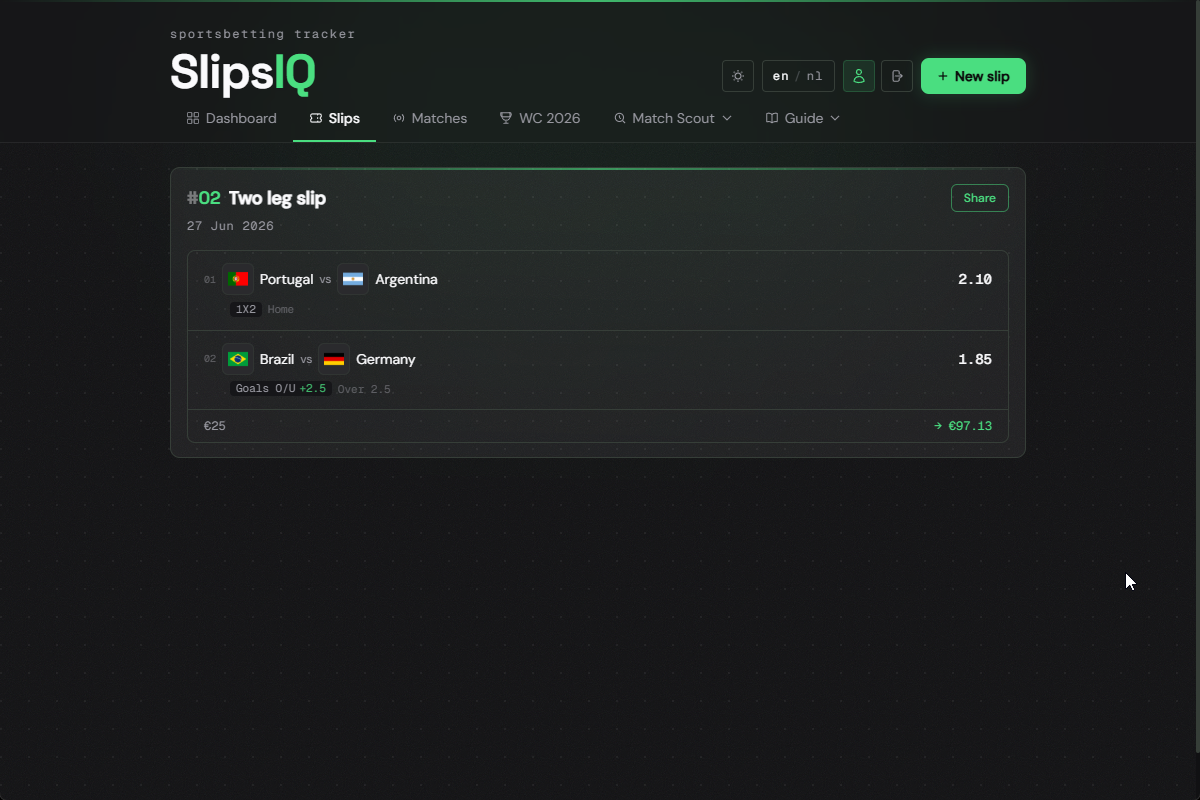
Click Save. The slip now appears as a card in your list with club logos, market, selection, combined odds, stake, and maximum payout.
The score-payout matrix
Click Matrix on a slip card to open the score-payout matrix. The 6x6 table shows the payout for every possible scoreline. Green means a win for that scoreline.
Setting the result and sharing
If the match is linked to a matchId, markets like 1X2, O/U, and BTTS are automatically settled once the final score is available.
Click Won or Lost on the slip card to set the result yourself.
Click the Share button in the top right of a slip card to generate a share card. You can save the image or share it directly from your phone.
Frequently asked questions
Yes, click the pencil icon on the slip card to edit it. Closed slips are read-only.
Yes, if you are logged in, slips are saved to your account. Without an account they are stored in your browser. Logging in from another device? Use the same account.
With certain markets like Asian Handicap, a draw on the handicap line is possible. In that case your stake is returned — this is called a push.