How to use the dashboard
The dashboard gives you a combined overview of all your slips: how many are open, what the total stake is, and how you are performing so far.
The two stat blocks at the top
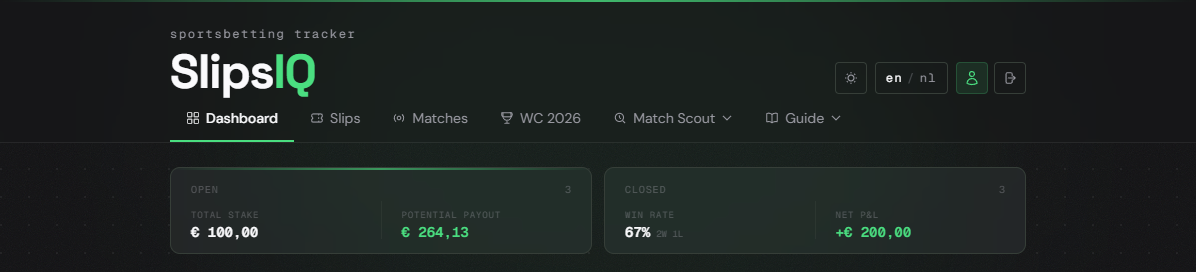
The left block shows all your active slips — slips where not all matches have been played yet. You can see the total stake and the maximum payout if all your open slips win.
The right block shows your performance on settled slips: win rate (percentage of slips won) and your net profit or loss (P&L). This block is greyed out until you have settled slips.
Open and Closed tabs
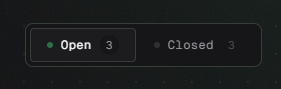
Below the stat blocks are two tabs. Open shows slips whose matches have not yet been played or are currently live. Closed shows slips where all matches have finished.
Slip summary cards
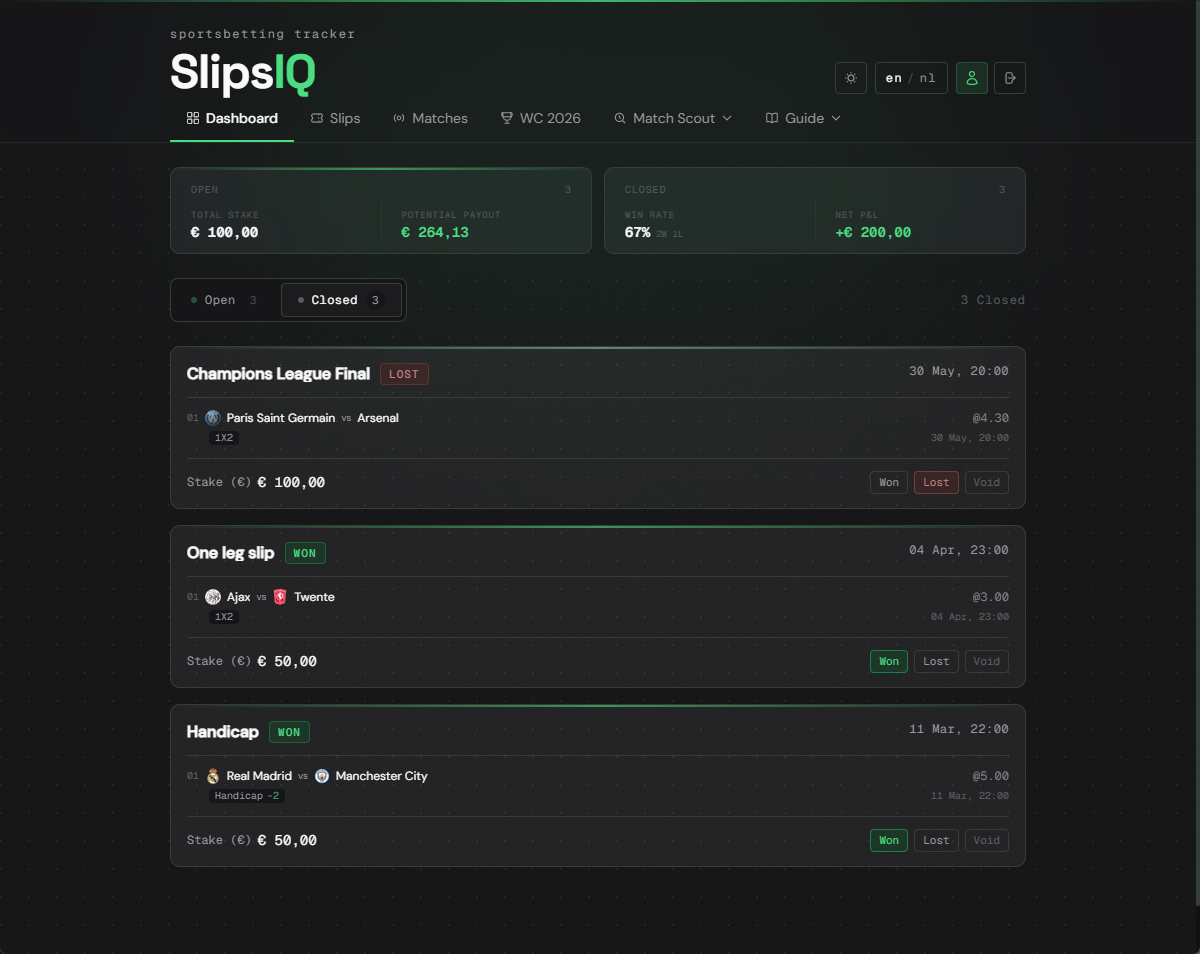
Each slip appears as a compact card showing the matches, combined odds, stake, payout, date, and result.
Result and difference from the Slips page
You can update the result of a slip by clicking the result marker in the bottom right of the card. Choose Won, Lost, or remove the result.
The Slips page is for managing: creating, editing, viewing the matrix, and sharing. The Dashboard is for overview and analysis: statistics, quick scanning, and tracking performance.
Frequently asked questions
Closed slips whose result has not yet been set are shown in grey. Once you set the result, the styling updates.
Net P&L is the total payouts received minus the total stakes of all settled slips. Won slips add the payout, lost slips subtract the stake.
Slips where a match is currently live stay in the Open tab and are not moved to Closed until the final score is confirmed.